Why Cursor for Engineering Students
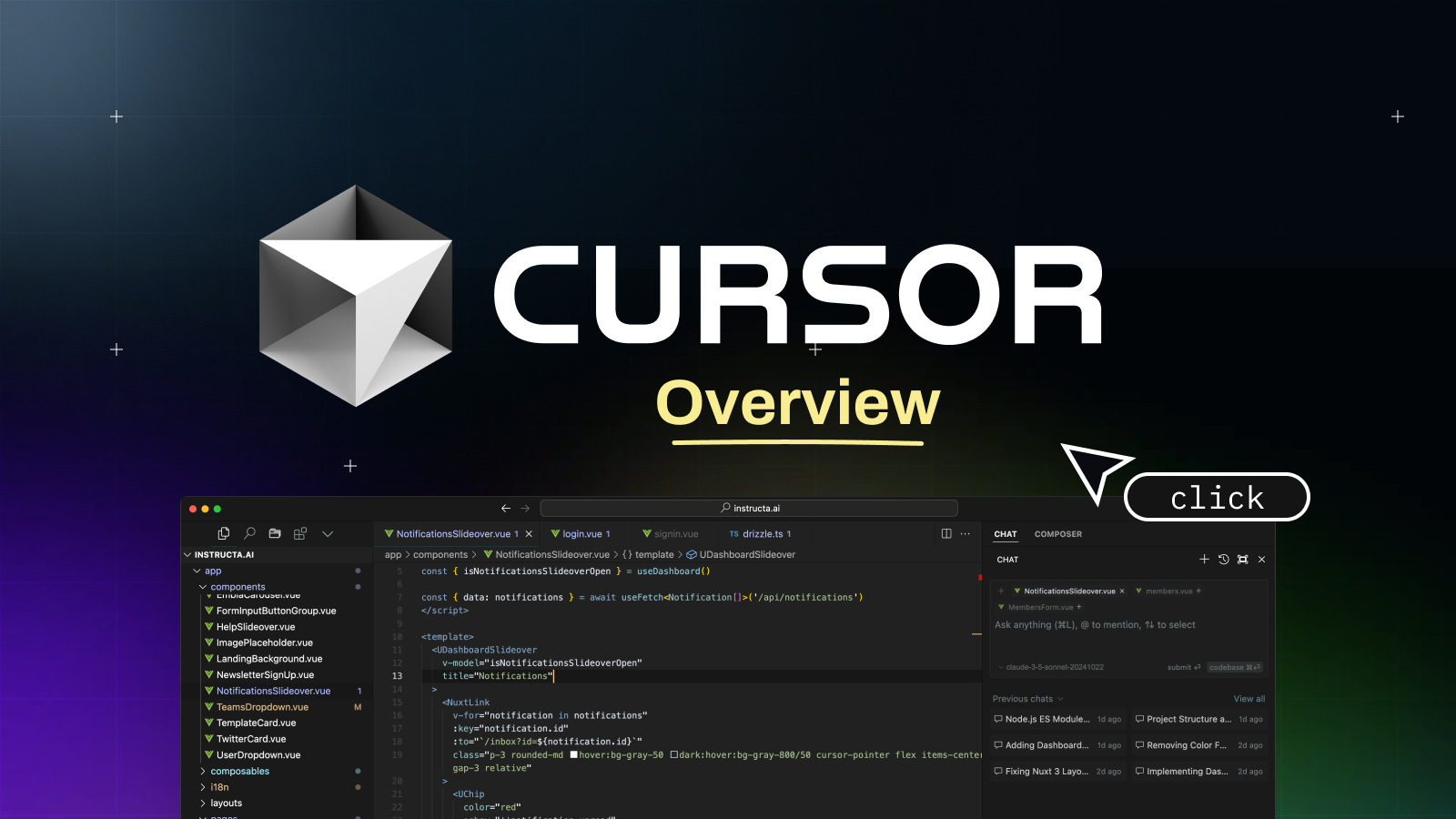
As an engineering student, you're constantly juggling complex problem sets, coding projects, lab reports, and a never-ending stream of new concepts. The demands on your time and mental energy are immense. What if there was a tool that could not only streamline your coding process but also act as an intelligent assistant, helping you understand and debug your work more efficiently? Enter Cursor, the AI-powered code editor that's rapidly becoming an indispensable asset for engineering students.
Beyond Autocompletion: An Intelligent Coding Partner
You're probably familiar with IDEs that offer intelligent autocompletion and basic error highlighting. Cursor takes this to a whole new level. Built on the power of large language models, Cursor goes far beyond simple suggestions. It understands your code in context, allowing you to: Ask Questions Directly in Your Editor: Stuck on a specific function? Unsure why your algorithm isn't performing as expected? Instead of switching to a browser and searching through forums, you can ask Cursor directly within your code editor.
It can explain complex concepts, clarify syntax, and even suggest alternative approaches. Imagine having a personal tutor available 24/7, right where you're writing your code. Generate Code Snippets and Functions: Need to implement a common data structure or a specific utility function? Describe what you need in natural language, and Cursor can generate the boilerplate code for you. This saves valuable time and helps you focus on the unique logic of your project rather than repetitive coding tasks. Debug with AI Assistance: Debugging is often the most time-consuming and frustrating part of programming. Cursor can help you identify errors, explain the root cause of issues, and even suggest fixes. It can analyze stack traces and error messages, providing insights that might take hours to uncover manually. This not only speeds up your debugging process but also helps you learn from your mistakes more effectively.
How Cursor Empowers Engineering Students
Accelerated Learning: By providing instant explanations and code generation, Cursor acts as a powerful learning tool. You can explore new libraries, understand unfamiliar codebases, and grasp complex algorithms faster than ever before. This is particularly beneficial when you're tackling new programming languages or specialized engineering software. Increased Productivity: Imagine the time saved by not having to constantly context-switch between your editor, documentation, and search engine. Cursor integrates these functionalities directly into your workflow, allowing you to maintain focus and complete assignments more efficiently. Improved Code Quality: With Cursor's ability to suggest best practices, refactor code, and identify potential issues, you'll naturally start writing cleaner, more efficient, and more robust code. This is a crucial skill for any aspiring engineer. Conquering Complex Projects: Engineering projects often involve intricate systems and collaborative efforts. Cursor can help you navigate large codebases, understand legacy code, and integrate different modules more seamlessly, making daunting projects feel more manageable.
The Future of Engineering Education
Tools like Cursor are not just about making coding easier; they're about transforming the learning experience. They allow students to move beyond the rote memorization of syntax and focus on the higher-level problem-solving and critical thinking that are at the heart of engineering. If you're an engineering student looking for an edge, to optimize your learning, and to streamline your coding process, exploring Cursor is a decision you won't regret. It's more than just an editor; it's an intelligent partner designed to help you succeed.